

Spider Jack: Swing, Catch, Eat
Overview
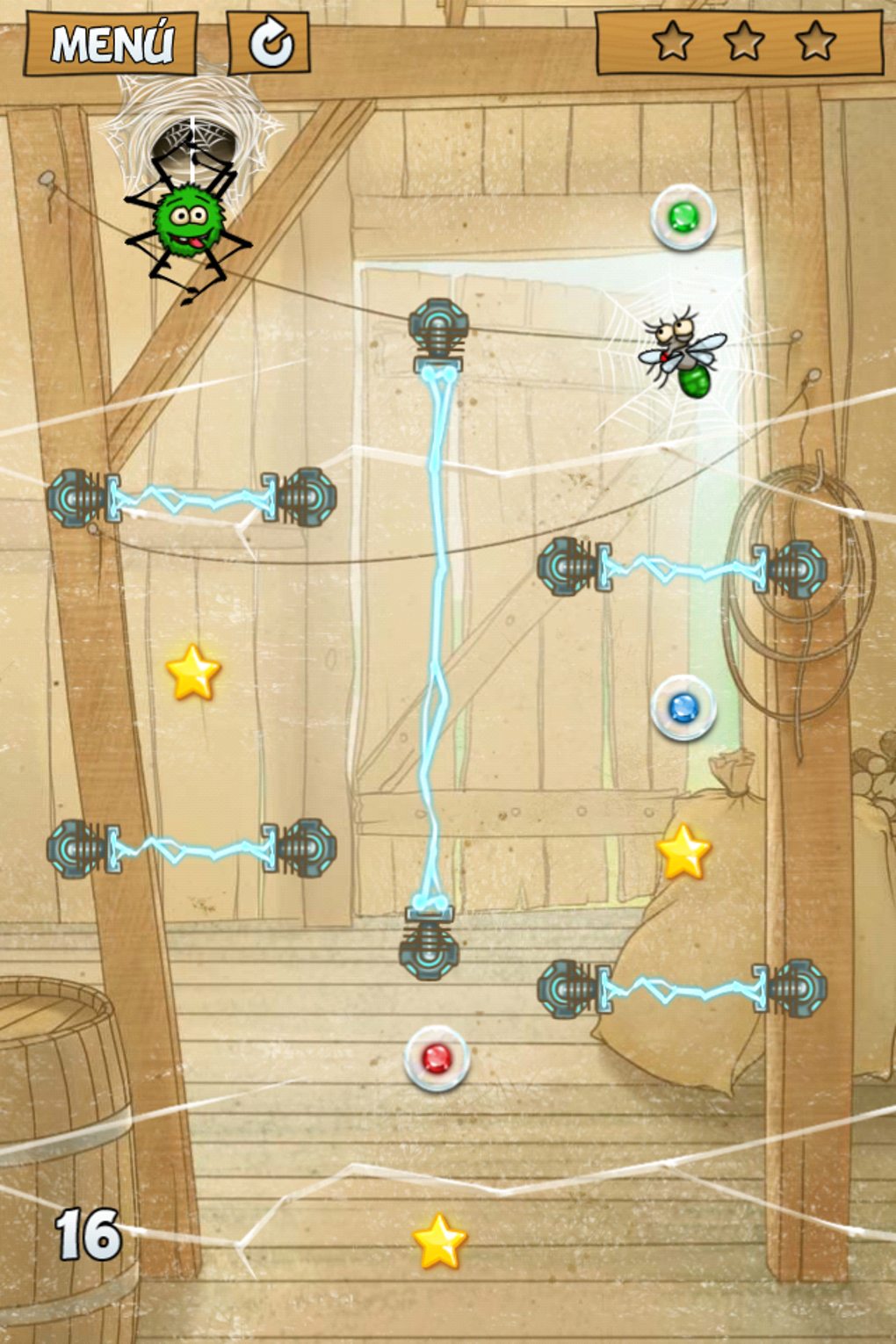
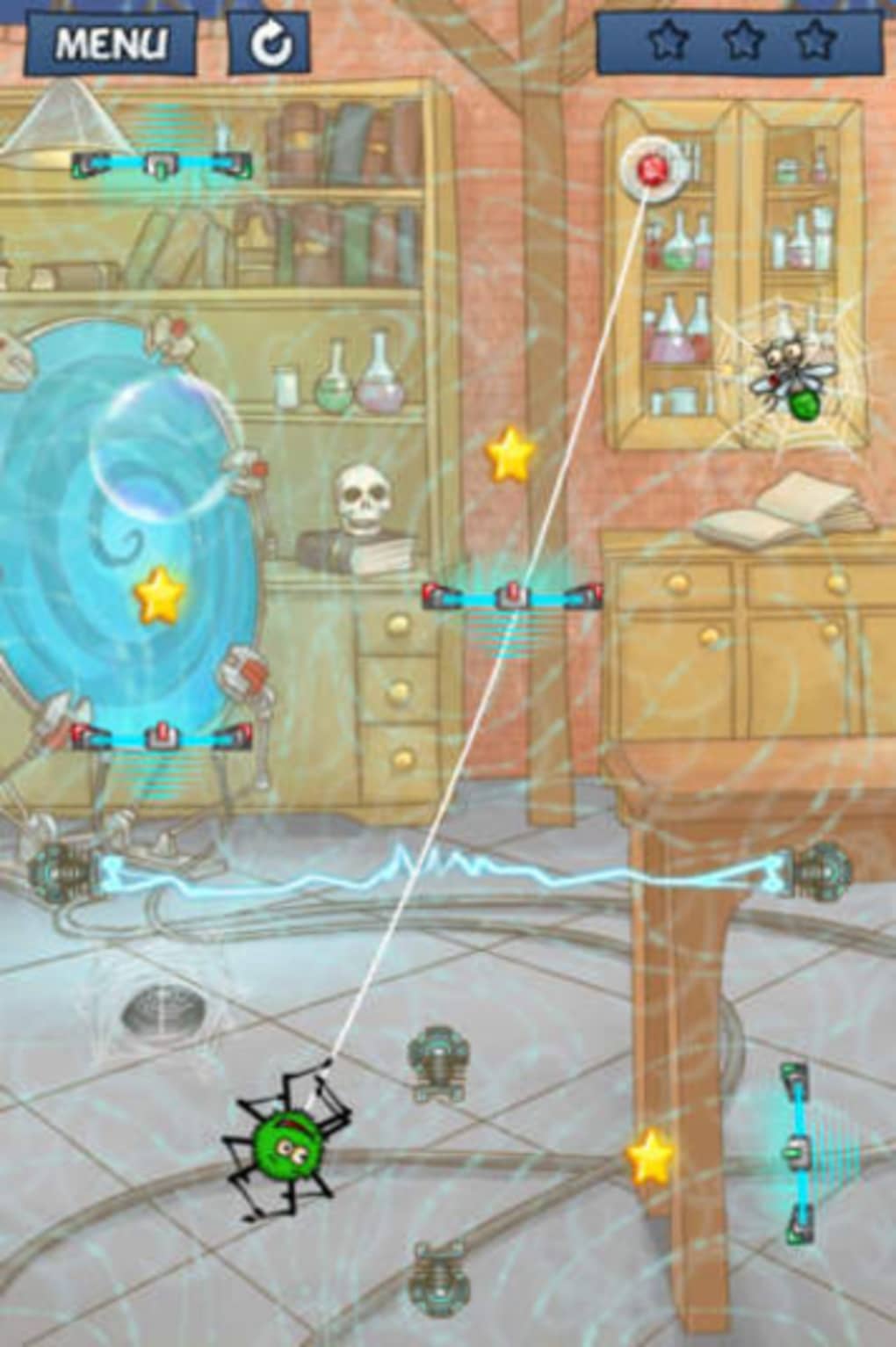
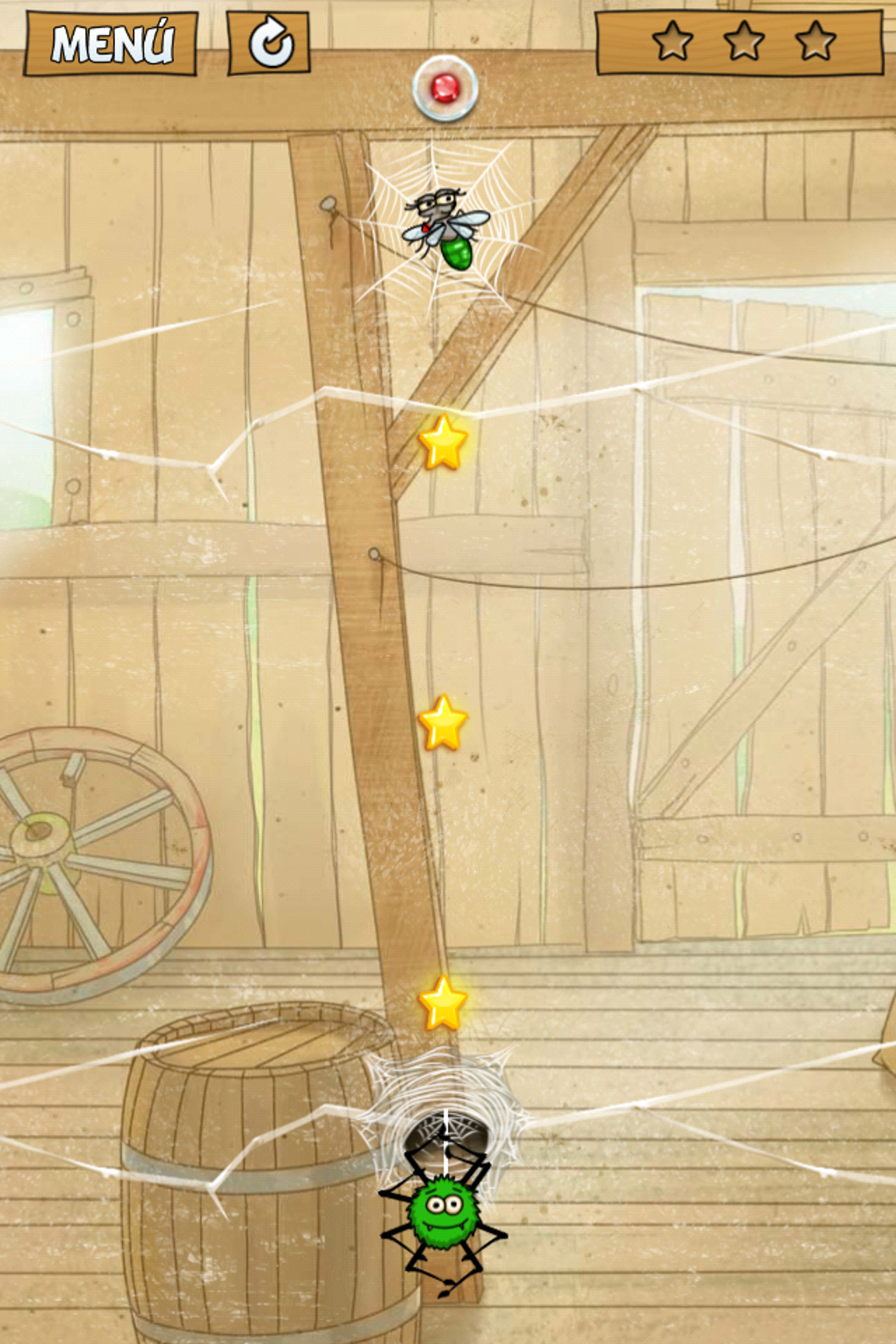
Spider Jack is a casual arcade puzzle game that blends physics-based mechanics with strategic timing and precision. Designed for players seeking lighthearted yet challenging gameplay, the game tasks players with swinging from web anchors to catch flies trapped in webs. The core premise revolves around mastering timing and trajectory—players must touch an anchor point to launch a web, then carefully cut it at the optimal moment to land on a fly. With a progression of increasingly complex levels, the game evolves from simple tutorials into intricate puzzles involving multiple anchor points, moving obstacles, and electrified traps. The gameplay draws inspiration from titles like Cut the Rope, emphasizing intuitive touch-based mechanics adapted for desktop platforms.
Targeted at casual gamers and puzzle enthusiasts, Spider Jack offers a compact yet engaging experience suitable for short play sessions or extended challenges. Its vibrant visuals and energetic soundtrack contribute to a lively atmosphere that enhances immersion. The game’s structure supports replayability through star-based level completion goals, encouraging players to refine their techniques across multiple attempts. While the developer did not specify additional system requirements, the game is available for both Windows and Mac, suggesting broad accessibility for desktop users. Real-world usage scenarios include casual entertainment during breaks, mental stimulation through problem-solving, and competitive play for high scores.
Key Features & Capabilities
- Physics-Based Web Swinging – Players launch a web from a fixed anchor point and control the swing by timing the cut, requiring precise coordination between movement and timing.
- Progressive Level Design – Levels start simple and gradually introduce new mechanics such as multiple anchors, moving platforms, and electric hazards, increasing difficulty over time.
- Star-Based Completion System – Each level offers up to three stars based on performance, encouraging players to optimize their approach and replay levels for perfection.
- Engaging Visuals and Audio – The game features colorful, cartoonish graphics and an upbeat soundtrack that remains memorable and motivating throughout gameplay.
- Single-Screen Puzzle Format – Each level is self-contained, allowing for focused problem-solving without the need for long-term progression tracking or complex menus.
These features create a streamlined experience where each level functions as a standalone challenge. For example, players might need to time a swing to avoid an electric trap while simultaneously positioning the web to catch a fly mid-air. The combination of visual feedback and responsive controls helps users learn mechanics quickly, even without formal tutorials. The star system adds a layer of goal-oriented gameplay, appealing to both casual players and those seeking mastery. The game’s structure supports repeated engagement, making it ideal for short bursts of entertainment or extended puzzle-solving sessions.
User Interface, Workflow & Performance
The user interface of Spider Jack is clean and minimal, focusing on the core gameplay without unnecessary distractions. Navigation is intuitive, with all controls accessible through direct interaction—players touch an anchor point to initiate a web swing, and the game responds instantly. The layout emphasizes visual clarity, using distinct colors and animations to differentiate between flies, webs, anchors, and hazards. This design enhances usability, particularly during fast-paced or complex sequences.
Workflow efficiency is high, as each level requires only a single input method: touch a point to launch, then cut the web at the right moment. The game does not require menus, inventory, or complex settings, streamlining the player experience. Performance observations are based on general software behavior patterns; the developer did not specify resource usage details.
However, given the game’s 250 MB size and desktop platform availability, it is likely optimized for smooth operation on modern systems. Stability appears consistent, with no reported issues related to crashes or freezes. The game maintains a steady frame rate during gameplay, contributing to a responsive and enjoyable experience.
Compatibility & System Requirements
Spider Jack is available for both Windows and Mac operating systems, making it accessible to a wide range of desktop users. The software version is 1.0, indicating a stable initial release. The installation size is 250 MB, which is modest for a desktop game with graphical and audio assets.
Platform compatibility information is limited to the two operating systems mentioned, with no details on specific versions or hardware requirements. The developer did not provide additional system requirements, so users should ensure their systems meet general standards for running graphical desktop applications. Exact performance details were not specified, but the game’s design suggests compatibility with standard desktop hardware.
Pros and Cons
Pros
- Intuitive touch-based mechanics adapted for desktop use
- Engaging and colorful visual design with a lively soundtrack
- Progressive difficulty that rewards skill and repetition
- Compact size (250 MB) with no heavy system demands
- Free to download and play with no in-app purchases
Cons
- Limited system requirement details may affect compatibility for older systems
- High difficulty in later levels may frustrate casual players
- No multiplayer or leaderboards to enhance competition
- Single-screen format may feel repetitive over extended play
- Minimal customization options for controls or visuals
FAQ Section
Is Spider Jack available for both Windows and Mac?
Yes, Spider Jack is compatible with both Windows and Mac operating systems, allowing desktop users on either platform to download and play the game.
Is the game free to download and play?
Yes, Spider Jack is completely free to download and play. There are no in-app purchases or paywalls to access levels or features.
Does Spider Jack require an internet connection?
The game can be played offline after installation. No ongoing internet connection is required for gameplay.
How often are updates released for Spider Jack?
Updates are released as needed to improve performance, fix bugs, or add new levels. The frequency depends on the developer’s development cycle.
Is Spider Jack safe to download and install?
Yes, the game is distributed through trusted channels and does not include malware or unwanted software. It is safe to install on Windows and Mac systems.
Final Thoughts
Spider Jack delivers a polished and addictive casual gaming experience that combines simple mechanics with increasing complexity. Its physics-driven web-swinging gameplay, vibrant presentation, and rewarding star system make it a standout in the casual puzzle genre. While the lack of detailed system requirements may raise concerns for some users, the game’s small footprint and broad OS support mitigate these risks.
The free pricing model enhances accessibility, allowing players to enjoy high-quality entertainment without cost. For fans of arcade puzzles and strategy-based challenges, Spider Jack offers a satisfying blend of fun and difficulty. Whether you're looking for a quick distraction or a deeper puzzle-solving session, this game provides consistent engagement.
Download Spider Jack now







